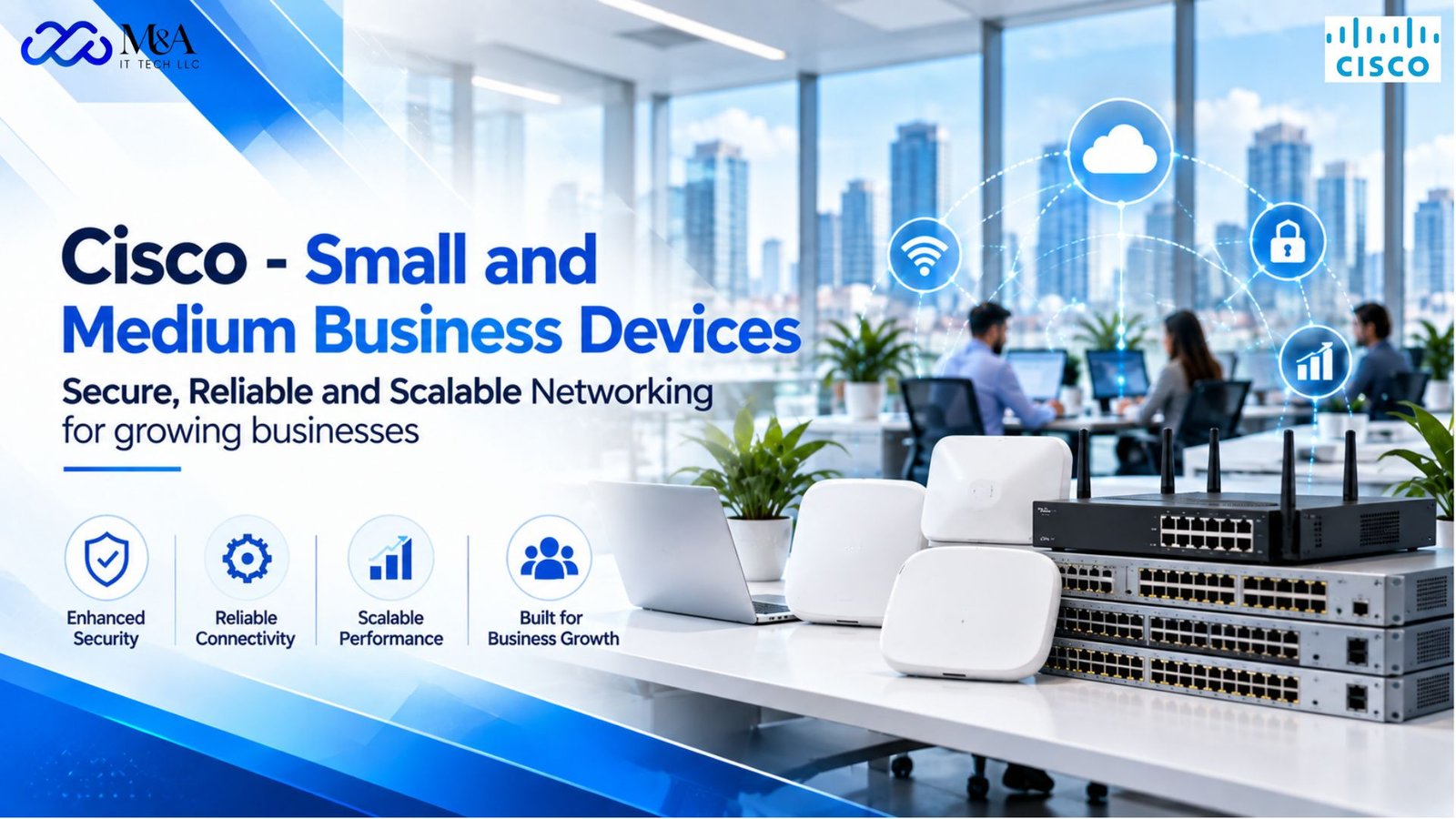
Cisco Small & Medium Business Devices Secure, Reliable and Scalable Networking for growing businesses
Why Small and Medium Businesses Need Business-Grade Networking
Small and medium businesses depend on their networks for almost every part of daily operations. Cloud applications, video meetings, VoIP, point-of-sale systems, shared files, customer platforms, security cameras and mobile devices all rely on consistent connectivity. As a business grows, a basic network built from consumer-grade equipment can become difficult to manage, secure and expand.
Cisco approaches the small and medium enterprise environment as a connected platform rather than a collection of isolated devices. Its current SMB portfolio spans switching, wireless, routing, security and collaboration, with an emphasis on simplified operations, visibility, automation and security. This gives growing organizations a path to build infrastructure that can support more users, locations and applications over time.
The objective is not simply faster internet access. A well-designed business network should provide dependable internal connectivity, controlled access, secure traffic handling and enough flexibility to accommodate future requirements without forcing the organization to rebuild everything from the beginning.
A Strong Network Foundation for Business Growth
The network is the foundation that connects employees, applications and devices. When that foundation is unreliable, the effect is visible across the business: calls drop, cloud applications slow down, file transfers take longer and employees lose time troubleshooting connectivity.
Cisco positions its small and medium enterprise solutions around secure and resilient connectivity that can scale as the organization changes. For an SMB, scalability matters because growth rarely happens in a perfectly predictable way. A company may add a new department, open another office, deploy more wireless devices or introduce bandwidth-intensive applications.
Selecting business-class switches, routers and wireless infrastructure gives IT teams greater control over these changes. Managed devices can provide configuration options, segmentation, monitoring and security capabilities that are not normally available in basic unmanaged networking equipment.
Cisco Switching for Connected Offices
Network switches connect the wired devices inside a business, including computers, servers, printers, access points, IP phones and cameras. The right switch should provide enough ports and performance for current requirements while leaving room for future expansion.
Cisco offers switching options ranging from SMB-focused Catalyst 1200 and 1300 Series products to more advanced Catalyst platforms. Power over Ethernet (PoE) is especially useful in modern offices because compatible access points, IP phones and other devices can receive both network connectivity and electrical power through Ethernet cabling.
For growing organizations, managed switching also provides better visibility and control. Depending on the platform, administrators can use VLANs, Layer 3 capabilities, security policies and monitoring features to organize traffic and separate different types of users or devices.
Secure Routing and Branch Connectivity
Routers connect the business network to external networks and play a central role in how traffic moves between sites, cloud services and the internet. Cisco’s current small and medium enterprise routing portfolio emphasizes simplicity, security and scalability, including cloud-managed options and secure SD-WAN capabilities.
For businesses operating more than one location, secure routing can help create consistent connectivity between branches. Cloud-based management can also make it easier for lean IT teams to monitor distributed environments without being physically present at every site.
Security is increasingly integrated into the network itself. Cisco’s SMB materials highlight secure routers and Meraki MX appliances that combine networking with firewall and SD-WAN capabilities, helping organizations reduce the number of separate systems they need to manage.
Wireless Connectivity for Modern Workplaces
Wireless access is no longer an optional convenience. Employees use laptops, smartphones, tablets, scanners and other connected devices throughout the workplace, while guests and specialized business systems may require their own wireless access.
Cisco’s SMB networking approach includes business wireless solutions designed to provide secure and reliable connectivity while simplifying administration. Modern wireless deployments should be planned around coverage, device density, application requirements and security rather than simply placing an access point wherever a signal appears weak.
A properly designed wireless environment can support flexible seating, meeting rooms, mobile workflows and connected devices while keeping business and guest traffic appropriately separated.
Security Should Be Built into the Network
Small and medium businesses face many of the same cybersecurity risks as larger organizations, but often have fewer dedicated security resources. That makes integrated protection and manageable security policies particularly important.
Cisco’s SMB security portfolio includes cloud-managed security, secure routing and firewall solutions. Current Cisco materials highlight Meraki MX for integrated security and SD-WAN, as well as Firepower platforms for organizations that require more advanced firewall capabilities.
Network security should be treated as a layered process. Firewalls, segmentation, secure access, identity controls, endpoint protection, monitoring and good administrative practices all contribute to reducing risk. The network itself is an important enforcement point because it connects users and devices to business applications and data.
Simplified Management for Lean IT Teams
Many SMBs do not have a large networking department. Infrastructure therefore needs to be powerful without becoming unnecessarily difficult to operate. Cisco emphasizes simplified and cloud-managed administration across parts of its SMB portfolio, allowing teams to monitor networks, review issues and manage configurations more efficiently.
Centralized visibility becomes more valuable as the number of devices and locations grows. Instead of troubleshooting each component independently, administrators benefit from tools that help them understand network status and identify where a problem is occurring.
This operational simplicity can be just as important as raw performance. A network that is easier to manage can reduce troubleshooting time, improve consistency and allow IT staff to focus on business projects instead of repetitive configuration tasks.
Planning a Cisco Network for a Growing Business
A successful deployment starts with requirements rather than product names. Businesses should identify the number of users and devices, internet bandwidth, wired and wireless requirements, VoIP or camera deployments, PoE needs, expected growth, security requirements and whether multiple locations need to be connected.
The next step is to consider the network architecture. Switch capacity, uplink speeds, routing, wireless coverage, redundancy and segmentation should be planned together. Buying a powerful device does not automatically create a well-designed network; each component should have a clear role in the overall environment.
It is also important to consider management and support. The organization should understand how devices will be configured, monitored, updated and replaced over time. Standardizing on suitable platforms can make future expansion easier and create a more consistent support model.
Featured Cisco Products Available from M&A IT TECH LLC
The following Cisco products from M&A IT TECH LLC illustrate different switching options for growing business networks. Availability can change, so use the product pages for current purchasing information.
Cisco C9200CX-8UXG-2X-A Catalyst 9200CX 8-Port Switch
The Cisco Catalyst C9200CX-8UXG-2X-A is a compact Layer 3 switch designed for environments where strong networking capabilities are required in a smaller form factor. The M&A IT TECH LLC listing highlights eight multi-gigabit ports, dual uplinks and PoE+ support.
This type of compact switch can be useful for distributed offices, branch environments and modern workspaces where space is limited but managed connectivity, power delivery and business-class switching features are still important.
Cisco C9200L-48PL-4G-A Catalyst 9200L 48-Port PoE+ Switch
For businesses that need significantly more wired connectivity, the Cisco C9200L-48PL-4G-A provides a 48-port managed switching platform with partial PoE+ and four 1G uplinks according to the M&A IT TECH LLC product listing.
A switch in this class can support larger office deployments with numerous endpoints such as computers, IP phones, wireless access points and other networked equipment. Layer 3 management and Cisco security capabilities make it relevant to organizations that need more control than a basic unmanaged switch can provide.
Cisco C9300-24H-A Catalyst 9300 24-Port Multigigabit Switch
The Cisco C9300-24H-A is positioned for more demanding business networks. M&A IT TECH LLC lists it as a 24-port multigigabit, Layer 3 manageable switch designed for high-performance and scalable networking.
For a growing medium-sized organization with heavier traffic, advanced network requirements or a need for higher-performance access switching, a Catalyst 9300-class platform can provide a path beyond entry-level networking. The appropriate model should always be matched to the organization’s architecture, licensing and support requirements.
Choosing the Right Cisco Devices for Your Business
There is no single Cisco device that is right for every SMB. A small professional office may need a compact managed switch and secure router, while a larger company may require multiple access switches, PoE for phones and wireless access points, redundant uplinks and more advanced security.
Start by documenting current usage and expected growth. Count wired endpoints, wireless devices and PoE equipment. Identify applications that are sensitive to latency or downtime. Consider whether guest networks, cameras, VoIP, cloud applications or multiple branches create additional requirements.
Product selection should then be based on capacity, features and management needs. M&A IT TECH LLC can help businesses compare Cisco hardware options and identify products that align with the intended network design
Why Buy Cisco Business Networking Hardware from M&A IT TECH LLC?
Business networking purchases often involve more than selecting a part number. Organizations may need to compare port counts, PoE requirements, uplink options, form factors and deployment scenarios before ordering.
M&A IT TECH LLC provides access to Cisco networking hardware for business environments. Customers can review Cisco products through the M&A IT TECH LLC website and contact the team for product availability, quotations and purchasing requirements.
For larger projects, sharing the intended use case can make product selection more effective. Information such as user count, number of locations, existing network equipment and required connectivity can help narrow the available options.
Contact M&A IT TECH LLC
Phone: 908-280-1350
Email: Sales@maittechllc.com
Address: 18 A JOSHAM LN BLDG 35, LAKE HIAWATHA, NJ 07034, UNITED STATES
Office Hours: Monday–Friday | 9 AM–7 PM EST
Ready to strengthen your IT infrastructure? Contact M&A IT TECH LLC today to discuss your requirements and find the right technology for your business.
Frequently Asked Questions (FAQs)
What Cisco devices are useful for small and medium businesses?
Common SMB networking components include managed switches, wireless access points, secure routers, firewalls and collaboration solutions. The right combination depends on the number of users, locations, devices, security requirements and expected growth.
Why should an SMB use a managed switch?
A managed switch provides greater control and visibility than a basic unmanaged switch. Depending on the model, administrators can configure VLANs, monitor traffic, apply security controls, manage PoE and use Layer 3 networking features.
What is PoE and why is it useful?
Power over Ethernet allows compatible devices to receive network connectivity and electrical power through Ethernet cabling. It is commonly used for wireless access points, IP phones, cameras and other supported devices, helping reduce separate power cabling.
Are Cisco solutions suitable for businesses with multiple locations?
Yes. Cisco offers routing, switching, security and cloud-managed solutions that can support distributed business environments. The design should account for site connectivity, security, centralized management and bandwidth requirements.
How can Cisco help improve network security?
Cisco provides security capabilities across routers, firewalls, switches and cloud-managed platforms. A secure deployment can combine segmentation, firewall protection, secure access, monitoring and policy enforcement as part of a layered security strategy.
Which Cisco switch should my business choose?
The choice depends on port count, speed, PoE requirements, uplinks, Layer 3 needs, physical space and expected growth. A compact switch may fit a small branch, while larger Catalyst models can support more demanding office environments.
Can I purchase Cisco products from M&A IT TECH LLC?
Yes. M&A IT TECH LLC lists Cisco networking products on its website. Product availability can vary, so customers should check the relevant product page or contact M&A IT TECH LLC for current availability and quotations.
Can M&A IT TECH LLC help with Cisco product selection?
You can contact M&A IT TECH LLC with your business requirements, including user count, locations, device types, port requirements and intended use. This information can help identify suitable Cisco hardware options.